CDG and MP4 playback
Play classic CDG/MP3 pairs and MP4 karaoke videos from the same hosting workflow.
Windows karaoke hosting software
Run a karaoke show with CDG and MP4 playback, singer rotation, online requests, QR code access, dual video windows, and a host dashboard built for working DJs.
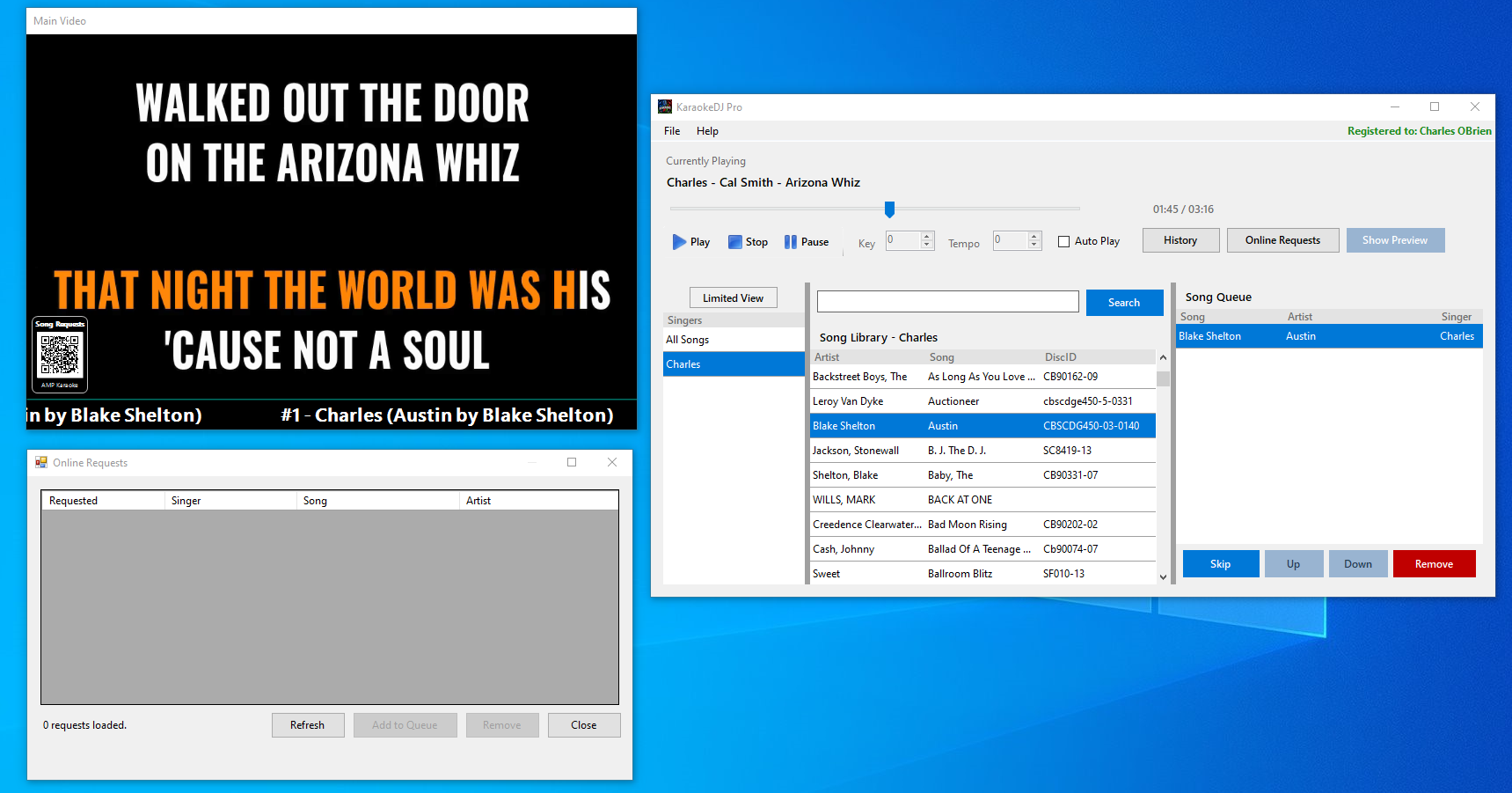
KaraokeDJ Pro combines local playback control with web-based requests, so the host stays in charge while singers can browse and request from their phones.
Play classic CDG/MP3 pairs and MP4 karaoke videos from the same hosting workflow.
Show the audience the main video window while the host keeps a smaller preview visible.
Keep singers organized, hide inactive singers, and quickly add their songs to the queue.
Let singers open a request page, search the synced song list, and send requests to the host.
Display the request link on the main video screen when the host is logged in online.
Register, purchase licenses, manage requests, and sync the song database online.
Install the player, sign in with your host account, sync your songs, then let singers request from the public request page.
Use the Windows installer to install the desktop player. Host accounts, dashboard access, and license purchases are available online.